Connections
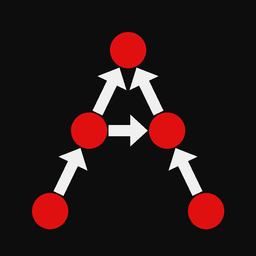
Connections say which nodes influence which clusters. Without the right links, judgments have nowhere to attach and the supermatrix will not reflect the decision you intend.
Influence in plain language
If criterion Price should affect how alternatives are compared, Price connects into the Alternatives cluster (or into the nodes that represent those comparisons). Feedback networks also allow alternatives (or other clusters) to influence criteria.
Open 01_hamburger_marketshare.anpstudio to see a classic ANP feedback pattern, or 02_ahp_best_car.anpstudio for a one-way hierarchy.
Connection mode
- Stay on the Structure stage.
- Choose Network → Connection Mode (checkable).
- Create or remove links according to the canvas interaction (click source then destination as prompted by the UI).
- Turn Connection Mode off when you are done editing structure.
Select a node and use the Inspector Connections list to review what it links to.
“With respect to” (wrt)
Judgments are always entered with respect to a parent node (and often a destination cluster). That parent is the column context in the unscaled supermatrix: “priorities of these children, given this parent.”
Connections define which parent→destination-cluster pairs appear under Judgments.